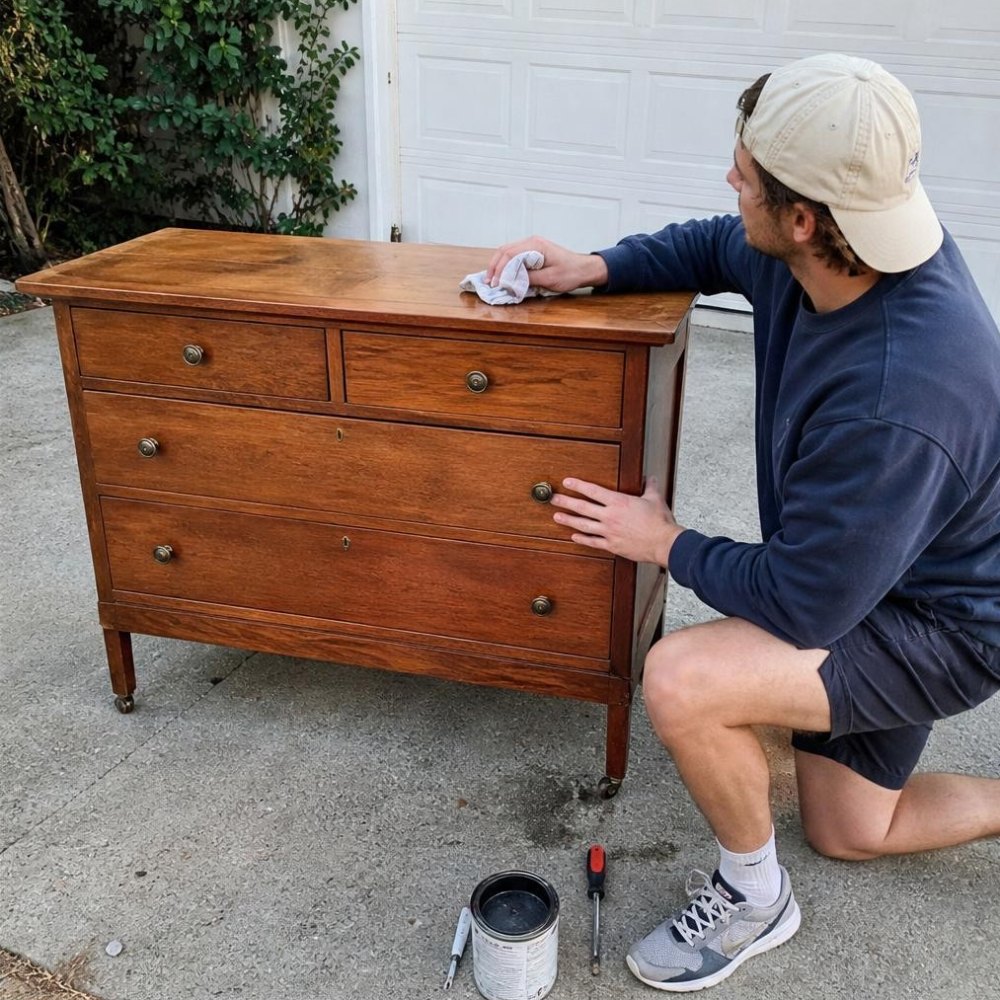
Pinterest is not really social media. It is a search engine with pictures, and people arrive with a plan: a room to decorate, an outfit to copy, a problem to fix. That is why it can pay.
I run a small blog that gets most of its readers from Pinterest. It earns a few hundred dollars a month from ads, and I sell printables on the side. That is not life changing money, but it is real, and it took no ad spend. Here is every way I know to earn from the platform, starting with the one I actually use.
- Pinterest itself does not pay you. It sends people somewhere that does.
- The best fit for beginners: a blog with ads, affiliate links or a small digital product.
- It is slow for the first few months, then it compounds. Pins can keep sending clicks for years.
1. Send traffic to a blog with ads
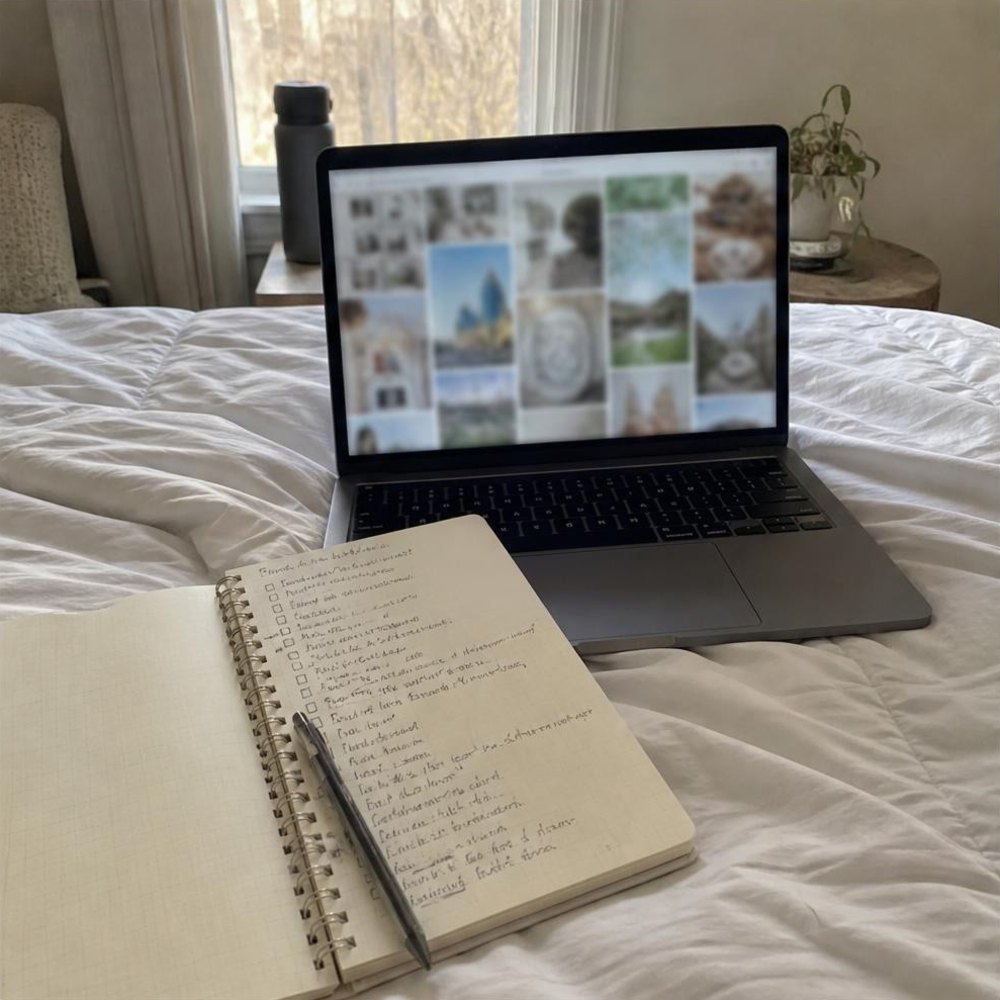
This is what I do. You write helpful posts, make pins that link to them, and ad networks pay you when people read. More readers, more money.
It works because a good pin keeps getting found long after you post it. The downside is patience: most ad networks want steady traffic before they accept you, so the first months earn very little.
- Best for: people who like writing
- Pays: monthly ad income
- Speed: slow, then steady
First step: pick one topic you could write 30 posts about, and write the first five.
2. Use affiliate links
When you recommend a product with an affiliate link and someone buys, you earn a commission. You can add links inside blog posts, and Pinterest allows affiliate links on pins as long as you clearly disclose them.
Check the rules of each program before you start. Some want you to list where you share links.
- Best for: product-heavy topics
- Pays: per sale
- Speed: medium
First step: join one program that fits your topic and add honest recommendations to your best post.
3. Sell digital products
Printables, planners, templates, patterns, presets. You make the file once and sell it again and again. Pinterest users love a visual product they can use tonight, which makes this a natural fit.
I sell printables this way. The pins that work show the finished thing in use, not a flat picture of a PDF.
- Best for: makers and designers
- Pays: per download
- Speed: medium
First step: make one small product that solves one clear problem and list it on Etsy or Payhip.
4. Drive buyers to a shop
If you already sell physical products, from candles to clothing, Pinterest is free window shopping. Pins with a clean product photo and a keyword-rich title can send buyers for months.
- Best for: existing shops
- Pays: per sale
- Speed: medium
First step: claim your website on a business account and pin your five best sellers with new photos.
5. Manage Pinterest for other people
Plenty of bloggers and small shops know they should be on Pinterest and never get to it. A Pinterest manager designs pins, writes titles and descriptions, and schedules them.
You do not need a big account of your own, but you do need results you can show, even from a small test account. I have a full guide to becoming a Pinterest virtual assistant.
- Best for: organized people
- Pays: monthly retainer
- Speed: fast once you land a client
First step: offer to run one small business’s account free for a month in exchange for a testimonial.
6. Design pins as a freelancer
Some clients just want great looking pins. If you are quick with Canva, you can sell packs of pin designs or custom templates without handling anyone’s account.
- Best for: designers
- Pays: per pack
- Speed: fast
First step: design ten sample pins for an imaginary client and use them as your portfolio.
7. Work with brands
Once you have an engaged audience, brands may pay for pins featuring their products. Pinterest has a paid partnership label for this, and you must use it.
This comes last because it needs an audience first. Do not chase it early.
- Best for: established accounts
- Pays: per campaign
- Speed: slow
First step: keep building. Brands find accounts that already get saves.

What actually moved the needle for me
A few things made more difference than everything else combined.
- Keywords first. I write the pin title around the words people type into Pinterest search, then add a hook. Clever titles that hide the topic get ignored.
- Tall pins with big text. A clear number and a promise, readable on a phone at thumbnail size.
- The right board. A pin on a tightly matched board does far better than the same pin on a big general one.
- Fresh pins, often. New images for the same post, spaced out, beat one perfect pin.
- Season early. Seasonal content needs to go up weeks before people need it.
My desk setup for pinning
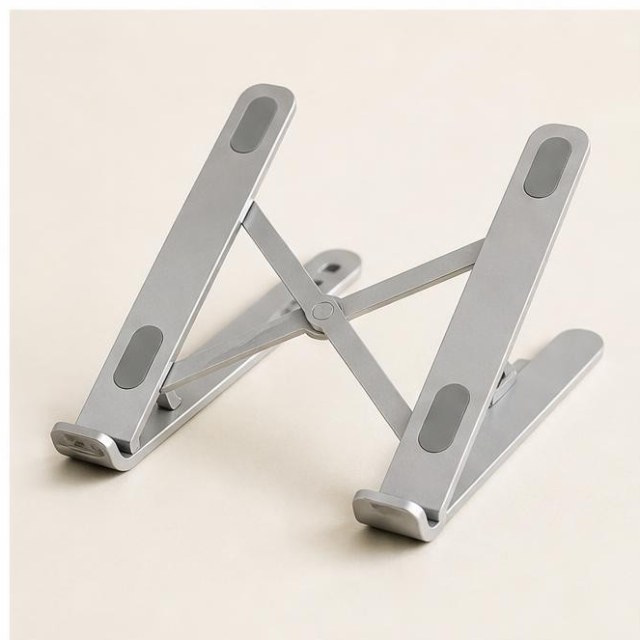 Laptop standSaves your neck on long sessions.See it on Amazon
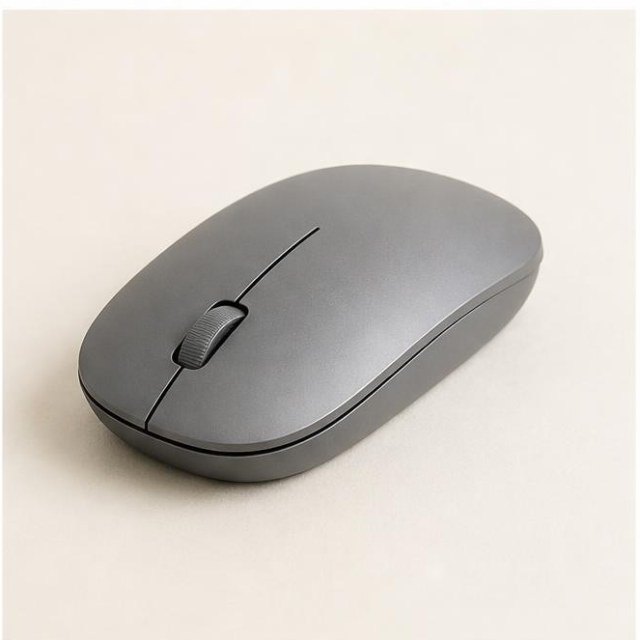 Wireless mouseFaster than a trackpad for design work.See it on Amazon
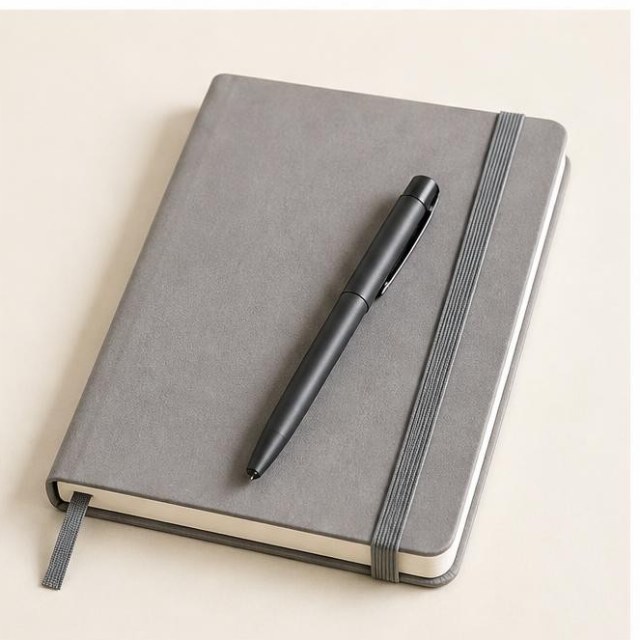 Undated weekly plannerPlan the week in ten minutes.See it on Amazon
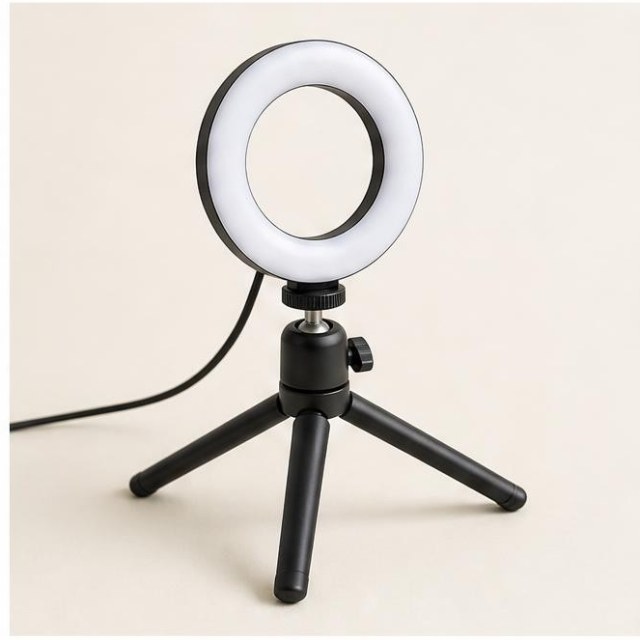 Desk ring lightBetter photos and calls at night.See it on Amazon
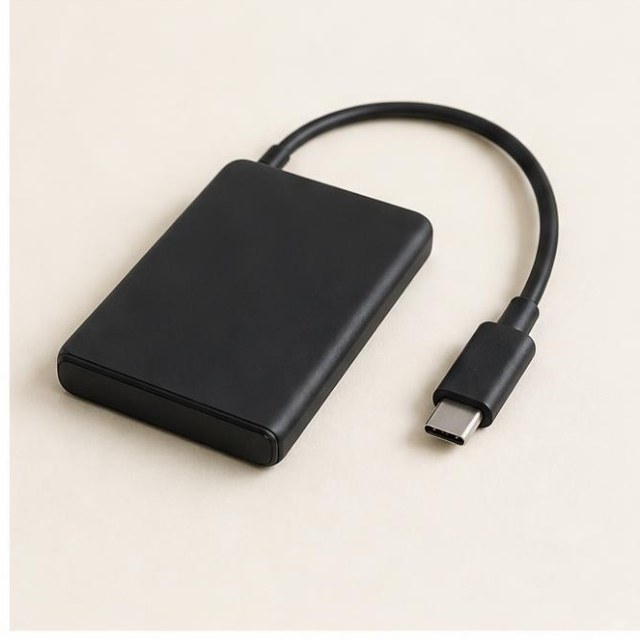 Portable SSDBack up your work in seconds.See it on Amazon
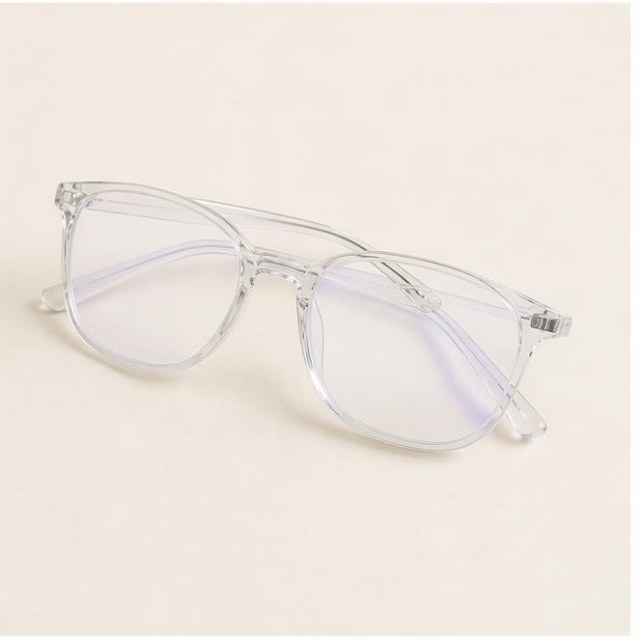 Blue light glassesEasier on the eyes after dark.See it on Amazon
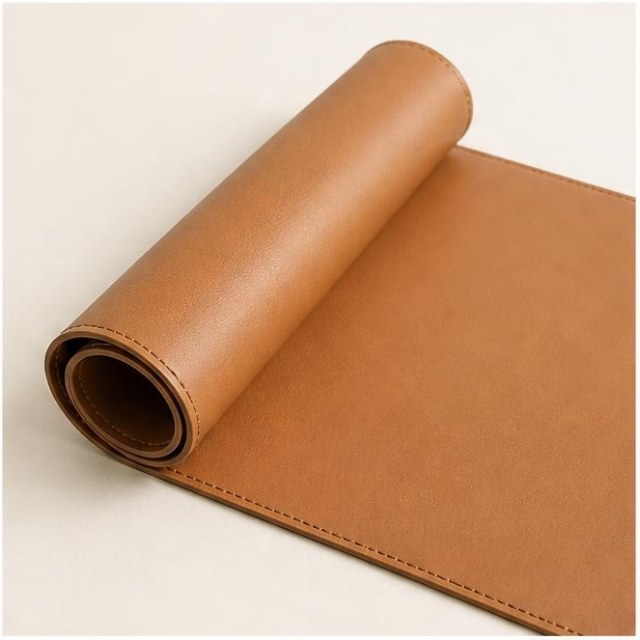 Desk matMakes any table feel like a desk.See it on Amazon
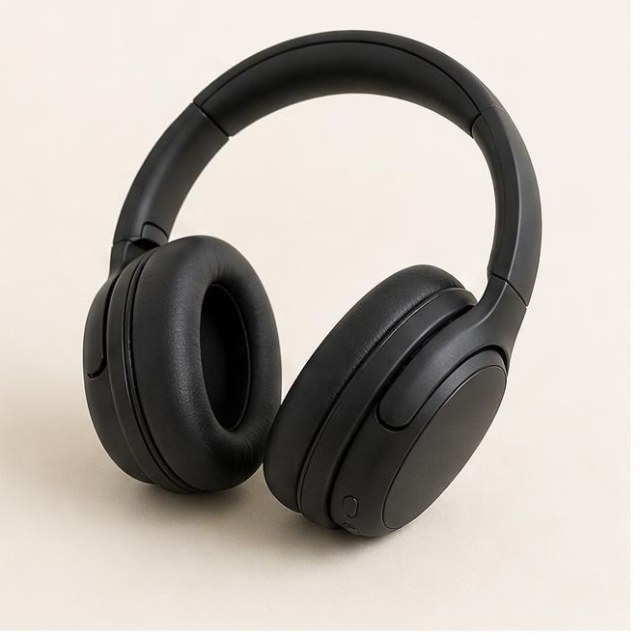 Over-ear headphonesQuiet focus anywhere.See it on Amazon
Affiliate links. As an Amazon Associate I earn from qualifying purchases.
Mistakes worth skipping
- Pinning only your own content in huge bursts, then vanishing for a month.
- Linking pins to your homepage instead of the exact page the pin promised.
- Copying viral pins. Use them to learn what works, then make your own.
- Expecting results in two weeks. Give it a few months of steady pinning before you judge it.
I cannot tell you what you will earn. My numbers are modest and took time. But the cost of trying is close to zero, and the skills carry over to almost any online business.
Next read: how I would start a Pinterest-driven blog today.