A Pinterest virtual assistant runs Pinterest for people who do not have time to do it themselves: bloggers, shop owners, coaches. It is one of the more beginner-friendly online services, because the skills can be learned by practicing on your own account.
I run Pinterest for my own blog and shop, and it sends me most of my readers. Everything below is what I would need someone to do if I handed it over tomorrow.
- The job is design, keywords, scheduling and reporting.
- Practice on your own account first. Results are your portfolio.
- Most Pinterest managers charge a monthly fee per client.
What a Pinterest VA actually does
- Designs fresh pins for each post or product.
- Writes keyword-rich titles and descriptions.
- Chooses the right boards and keeps them organized.
- Schedules pins steadily through the week.
- Checks analytics and reports what is working.
Skills to learn
Pin design
Tall images with large, readable text. A number, the keyword and a hook. You can do everything in a free design tool.
Pinterest keywords
Type a topic into Pinterest search and note what it suggests. Those suggestions are real searches. Titles should start with the main phrase.
Scheduling
Pinterest has a free built-in scheduler. Some managers use paid tools such as Tailwind for bigger accounts.
Reading analytics
Know the difference between impressions, saves and outbound clicks. Clients care most about clicks to their site.
How to get started, step by step
- Open a business account and treat it as your practice client.
- Pick a niche you understand: food, home, fashion, crafts, money.
- Pin daily for two months and track what works.
- Document your results with screenshots.
- Create two or three packages.
- Find your first client.
Simple packages to offer
| Package | What is included |
|---|---|
| Starter | Account setup, boards and 20 pins |
| Monthly management | Fresh pins each week, scheduling and a monthly report |
| Design only | A pack of pin designs the client schedules themselves |
Set your prices by the hours each takes and what local freelancers charge. Raise them as your results improve.
Finding your first client
- Offer one month free or at a discount to a small blogger in exchange for a testimonial.
- Look for good blogs with weak Pinterest accounts and send a short, specific pitch.
- Join blogging and small business groups and answer Pinterest questions.
- List your service on a freelance marketplace.
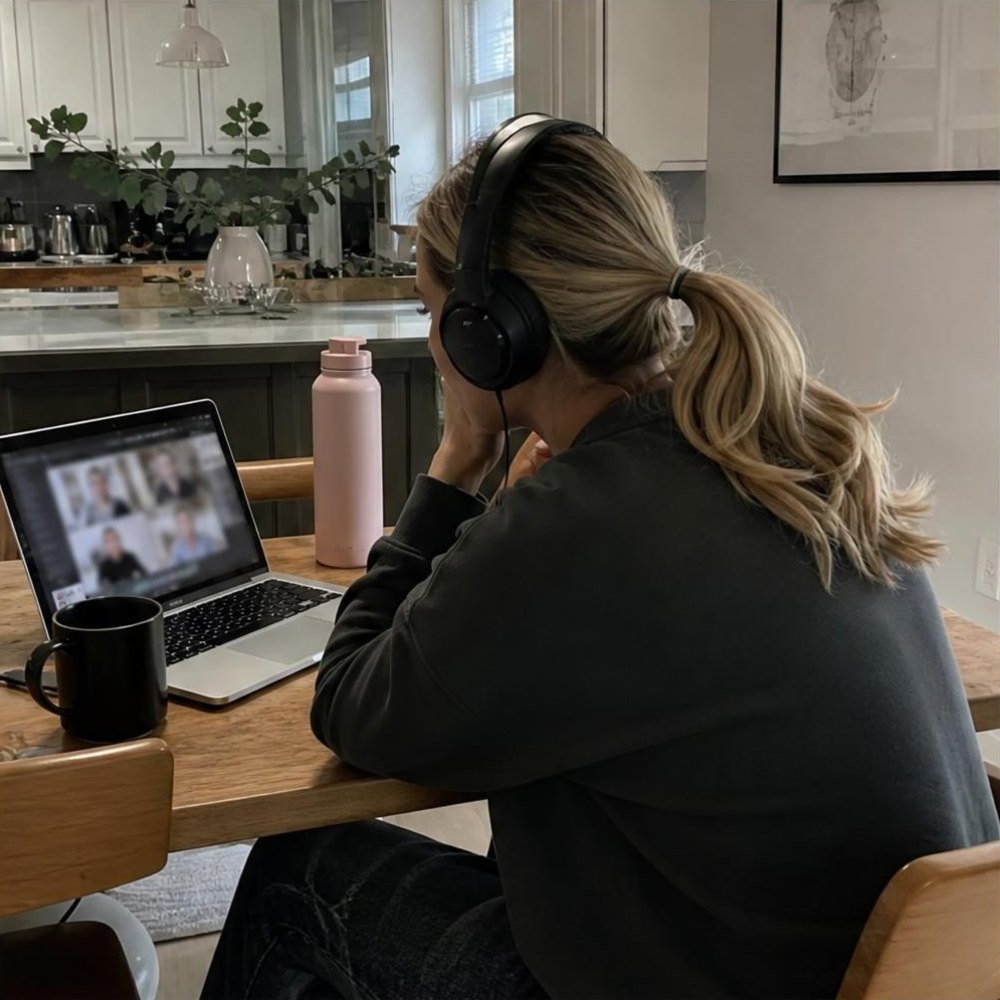
A comfortable setup for client work
 Second monitorTwo screens make screen work quicker.See it on Amazon
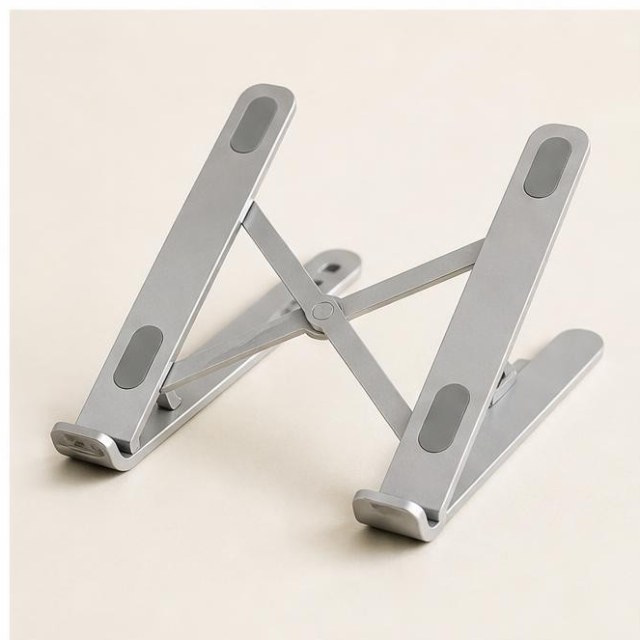 Laptop standSaves your neck on long sessions.See it on Amazon
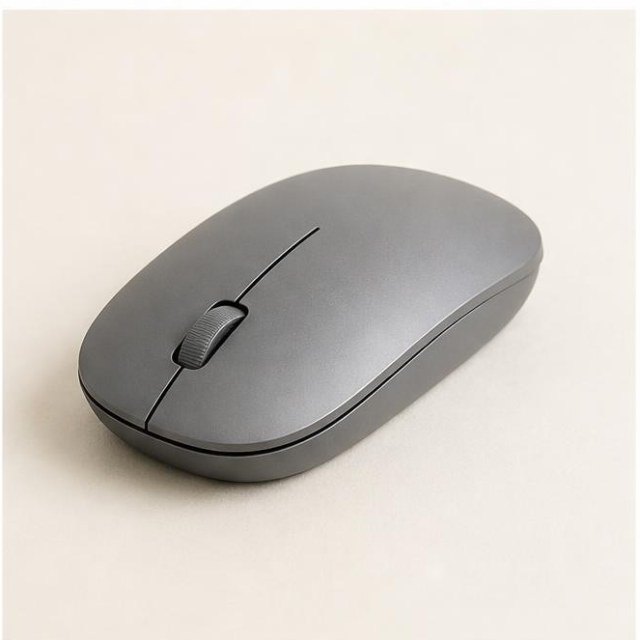 Wireless mouseFaster than a trackpad for design work.See it on Amazon
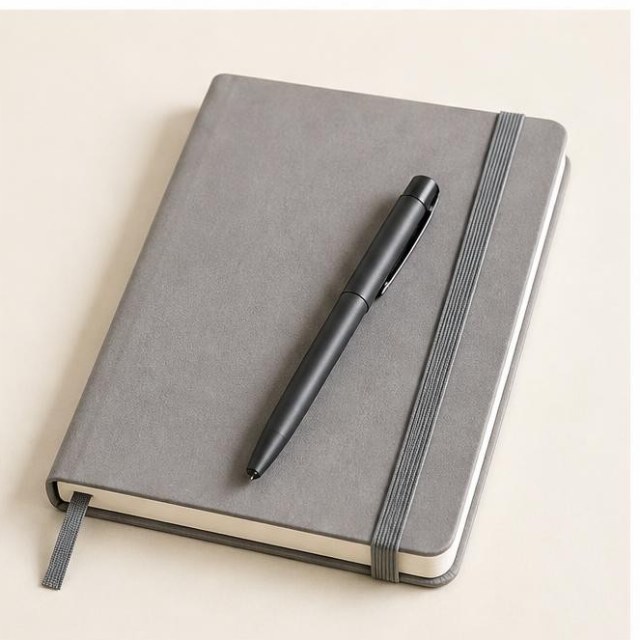 Undated weekly plannerPlan the week in ten minutes.See it on Amazon
 Over-ear headphonesQuiet focus anywhere.See it on Amazon
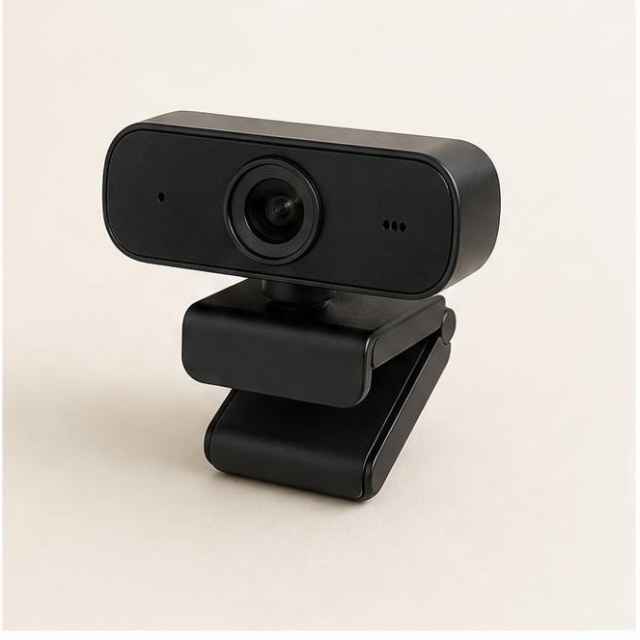 HD webcamA clear picture for client calls.See it on Amazon
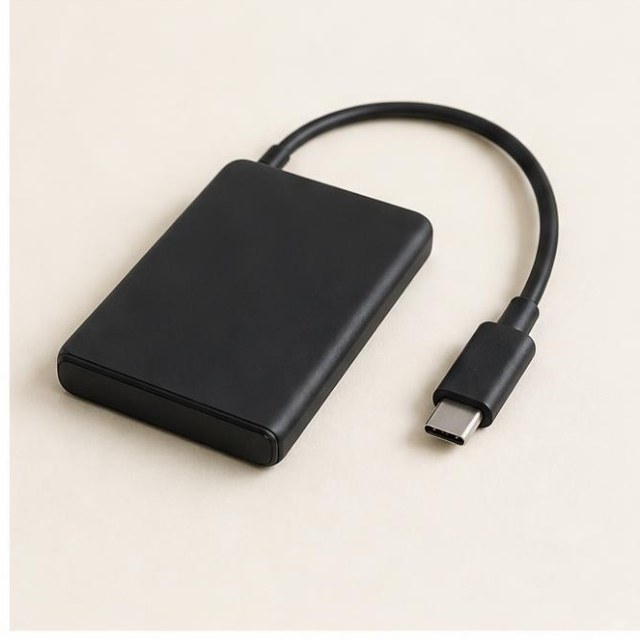 Portable SSDBack up your work in seconds.See it on Amazon
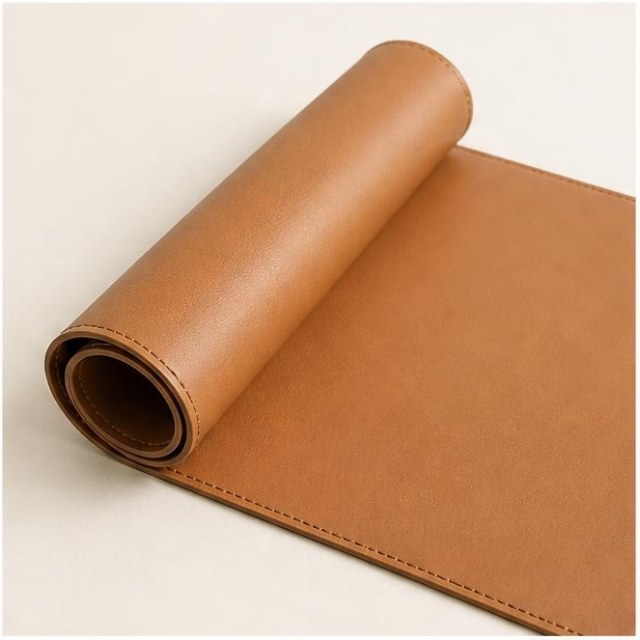 Desk matMakes any table feel like a desk.See it on Amazon
Affiliate links. As an Amazon Associate I earn from qualifying purchases.
What clients ask, and honest answers
- “How fast will I see results?” Usually a few months. Pinterest is slow to start.
- “Can you guarantee traffic?” No. You can promise consistent, well-made pins and clear reports.
- “Do you need my password?” No. Business accounts can add you as a team member through Pinterest’s business access tools.
Never promise numbers. Promise the work, show the data and let the results speak. That is how you keep clients for years.
Related: 7 ways to make money with Pinterest and 10 small business ideas that thrive on Pinterest.