You can make money with Canva by selling templates, printables and digital products, designing pins and social posts for clients, making Etsy listing photos, or creating content for your own blog. I design printables, pins and listing images in Canva every week, so here are 12 ways that actually work.
This post contains affiliate links. If you buy through them I may earn a small commission at no extra cost to you. As an Amazon Associate I earn from qualifying purchases. Some photos are AI generated to show the idea.
- The free plan is enough to start. Pro adds brand kits, resize and more elements.
- Templates and printables are the easiest products to sell.
- Freelance design is the fastest way to earn the first money.
- Always check Canva’s license rules for selling templates and using elements.
1. Sell Canva templates
Social posts, menus, media kits and pins that buyers edit themselves. Share them with a template link.
2. Sell printables
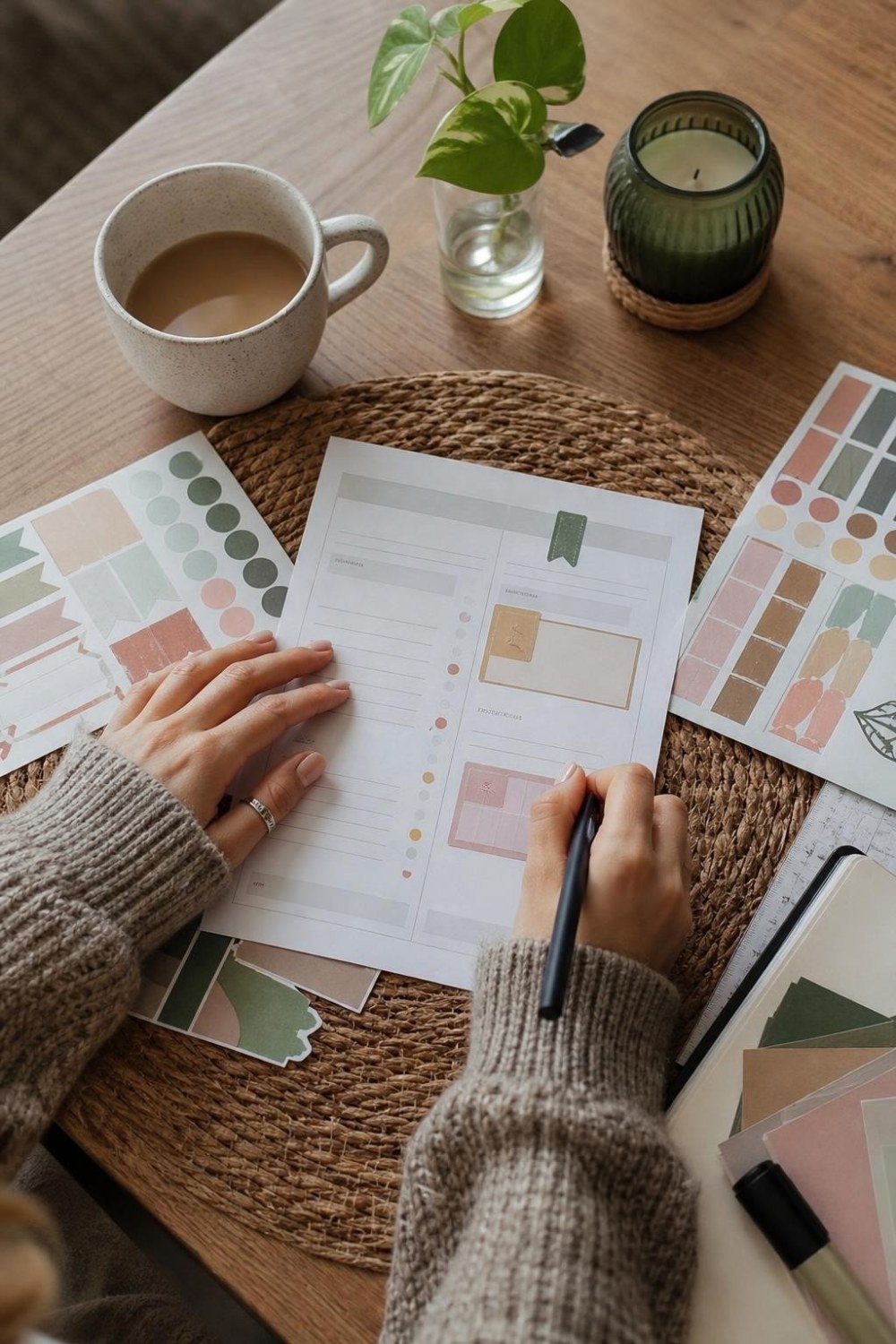
Planners, party decor and classroom kits, exported as PDFs.
3. Design Pinterest pins for others
Bloggers and shops pay for fresh pin designs every month.
4. Design social media posts
Small businesses want a consistent look without hiring an agency.
5. Make Etsy listing images
Many sellers struggle with mockups and photo layouts.

6. Create digital planners
Hyperlinked planners for tablet apps.
7. Design ebooks and lead magnets
Coaches and bloggers need simple, clean PDFs.
8. Make presentations
Pitch decks and slides for businesses.
9. Design logos and brand kits
For new small businesses on a budget.

10. Make worksheets
For teachers, tutors and homeschool parents.
11. Design for print on demand
Shirts, mugs and posters through print on demand sites. Check the license for each element.
12. Use Canva for your own blog
Pins and post images for a blog that earns from ads and affiliate links.
Canva free vs Pro for making money
| Free | Pro | |
|---|---|---|
| Templates and elements | Lots | Many more |
| Brand kit | Limited | Full |
| Magic resize | No | Yes |
| Background remover | No | Yes |
| Good for | Trying ideas | Selling and client work |
Try Canva free first, then upgrade when it saves you time every week.
Questions people ask
Can you sell Canva templates legally?
Yes, as template links that buyers open in their own Canva account, following Canva’s license rules. Do not resell Canva’s own templates as they are.
How much can you make with Canva?
It depends on the products, your traffic and how much client work you take. Start with one product or service and grow from there.
Do I need Canva Pro to make money?
No, but Pro saves time with resizing, brand kits and background removal.
More: digital products to sell and how to sell printables on Etsy.