
You can make money with Canva in 2026 by selling templates and printables, designing pins, social posts and Etsy listing images for small businesses, making lead magnets and worksheets, or using it to run your own blog and shop. Canva’s AI tools mean basic designs are now quick for anyone, so the money is in niche knowledge, a consistent style and following the license rules properly. I design printables, pins and listing images in Canva every week, so here are 12 ways that actually work and how to start each one.
This post contains affiliate links. If you buy through them I may earn a small commission at no extra cost to you. As an Amazon Associate I earn from qualifying purchases. Some photos are AI generated to show the idea.
- Templates with Canva Pro elements can only be sold as Canva template links, not as PDFs or PNGs.
- Fastest money: design services for small businesses, like pins, social posts and listing images.
- Builds over time: templates, printables and your own blog or shop.
- AI makes basic design easy, so niche knowledge and taste are what people pay for now.
- Start on the free plan and upgrade when Pro saves you real time every week.
Canva’s license in plain English
Most of the confusion about making money with Canva comes down to the license. Canva’s help pages explain it well, but here is the short version as I understand it. Always check Canva’s own Content License Agreement before you sell, because rules change.
| You want to sell | Allowed? | How |
|---|---|---|
| Templates using Pro elements | Yes | Only as a Canva template link the buyer opens in their own account |
| Templates using only free elements and your own photos | Yes | As a template link or as a PDF |
| Printables and products you designed | Yes | As long as you have changed things enough that it is your own design |
| A Canva template as it is | No | You can’t resell Canva’s own templates unchanged |
| Single stock photos or graphics on their own | No | Elements must be part of your design |
Images you create with Canva’s AI image tools fall under Canva’s AI Product Terms rather than the normal content license, so read those too if you use AI images in products.
1. Sell Canva templates
Social media templates, menus, media kits, wedding stationery, resumes and pin templates that buyers edit themselves. You deliver a template link, usually inside a one page PDF with instructions. Niche templates do far better than general ones: a set of posts for dog groomers beats “50 Instagram templates”.
Who pays: small business owners, creators and event planners. First step: pick one type of business you understand and design five templates for its most common posts.
2. Sell printables
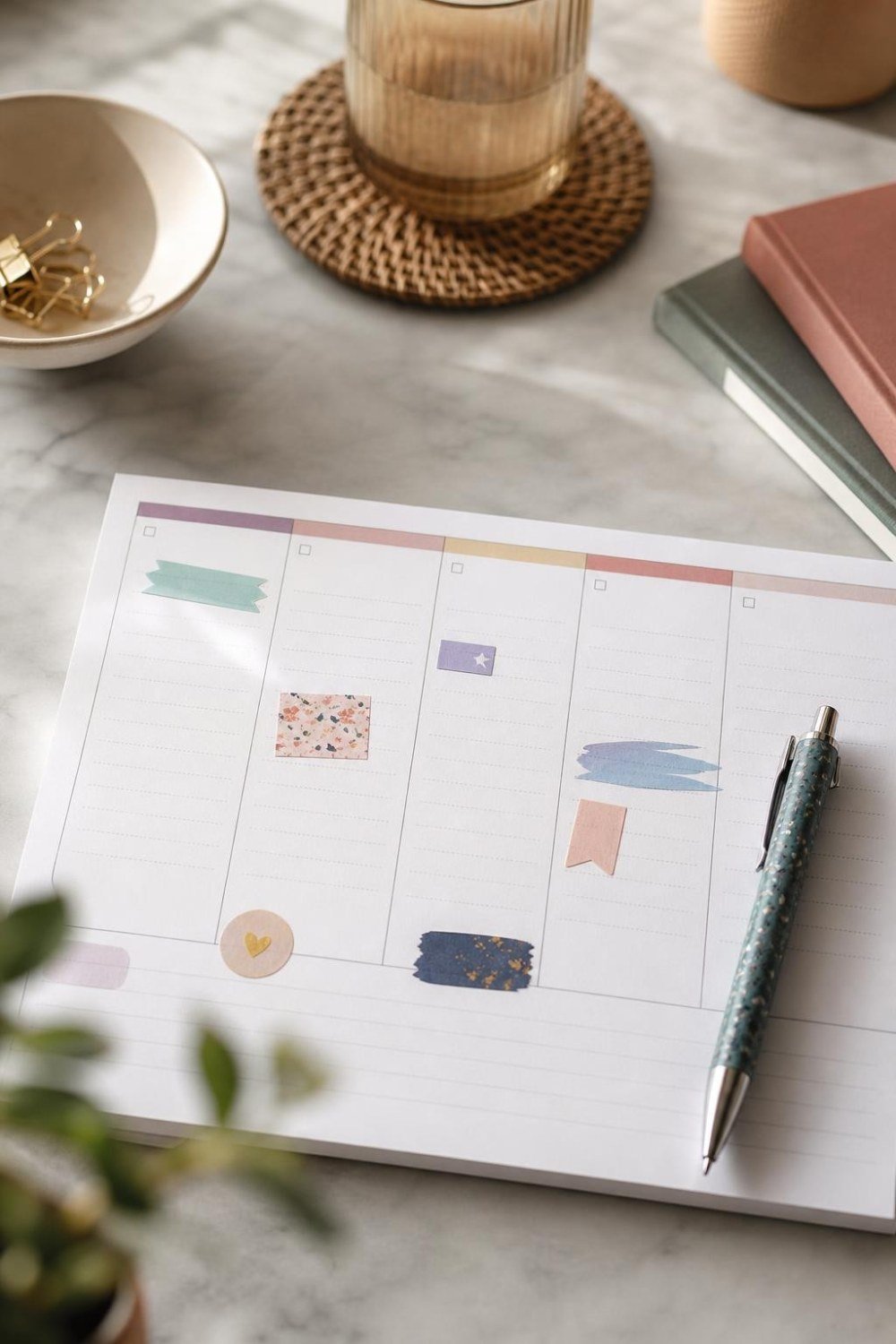
Planners, party decor, classroom kits, chore charts and coloring pages, exported as print-ready PDFs. This is what my own shop sells. Offer US Letter and A4, keep pieces easy to cut and show the finished thing in use in your first photo.
Who pays: parents, teachers and party planners. First step: design one seasonal printable for an event at least six weeks away.
3. Design Pinterest pins for others
Bloggers and small shops need fresh pins every week and most don’t have time to make them. A monthly package of pins in their brand colors is an easy recurring service, and Canva’s resize and brand kit tools make it quick.
Who pays: bloggers, Etsy sellers and small brands. First step: make ten sample pins for a made-up brand and put them in a simple portfolio.
4. Design social media posts
Local businesses want a consistent look on Instagram and Facebook without hiring an agency. Offer a monthly set of posts plus a few templates they can edit themselves.
Who pays: cafes, salons, gyms and trades. First step: offer a free week of posts to one local business in return for a testimonial.
5. Make Etsy listing images

Many good sellers have weak listing photos. Mockups, size charts, “what’s included” images and simple infographics make a real difference to clicks. In 2026 Etsy wants physical product photos to be real and unedited, so this works best for digital products and as extra images around real photos.
Who pays: Etsy and Shopify sellers. First step: redo the listing images for one of your own products, or a friend’s, as a before and after.
6. Create digital planners
Hyperlinked planners for tablet note-taking apps, with tabs that jump between months and pages. They take longer to build than paper planners, so pick a specific audience, like students, nurses or small business owners.
Who pays: tablet users who plan digitally. First step: build one month with working links and test it in a note-taking app.
7. Design ebooks and lead magnets
Coaches, bloggers and small businesses need clean PDF guides, checklists and workbooks to grow their email lists. You bring the layout skill and they bring the words.
Who pays: coaches, bloggers and course creators. First step: turn one of your own blog posts into a five page guide as a sample.
8. Make presentations
Pitch decks, webinar slides and school presentations. Canva’s presentation tools are good enough for most small businesses, and a clean deck with consistent fonts is something many people will happily pay for.
Who pays: founders, coaches and teachers. First step: redesign a public slide deck as a portfolio piece.
9. Design logos and brand kits

New small businesses on a tight budget want a simple logo, colors and fonts set up in a Canva brand kit they can use themselves. AI logo tools are everywhere now, so sell the full kit and your taste, not just a logo file.
Who pays: new small businesses. First step: create a brand kit for an imaginary local business to show what’s included.
10. Make worksheets
Worksheets for teachers, tutors and homeschool parents. Real classroom experience is a big advantage here, because you know what actually works on a Tuesday afternoon with a tired class.
Who pays: teachers, tutors and homeschool families. First step: make one worksheet you would genuinely use, test it, and list it.
Print and test what you design


11. Design for print on demand
Shirts, mugs, tote bags and posters through print on demand sites. Check that every element you use is allowed for print products, and on Etsy you now have to name your production partner on the listing.
Who pays: gift buyers in a niche. First step: design three products for one hobby or community you know well.
12. Use Canva for your own blog
This is where Canva earns the most for me. Pins, post images and product mockups for my own sites bring in traffic that earns from ads, affiliate links and my own products, and that keeps paying long after the design is done.
Who pays: your own readers. First step: pick one blog post and make three different pin designs for it.
Canva, AI and selling in 2026

Canva’s AI tools make it faster than ever to design, which means more competition for basic templates. Lean on what AI can’t do: real niche knowledge, a consistent style and designs tested with real customers. If you sell on Etsy, disclose any AI help and only sell your own original designs.
My Canva workflow for a printable kit
- Sketch the idea on paper first, so the layout is decided before I open Canva.
- Build the main page at US Letter size with my brand fonts and colors.
- Duplicate and resize for A4, then fix anything that shifted.
- Download as PDF Print for both sizes and test print them at home.
- Make listing images and pins in the same file, so the style matches.
Canva free vs Pro for making money
| Free | Pro | |
|---|---|---|
| Templates and elements | Plenty to start | Far more, but templates using them must be sold as template links |
| Resize designs | Manual | One click into other sizes |
| Brand kit | Basic | Fonts, colors and logos saved for each client |
| Background remover | No | Yes |
| Best for | Trying ideas | Weekly client work and product making |
Try Canva free first, then upgrade when it saves you time every week. Check Canva’s pricing page for the current price.
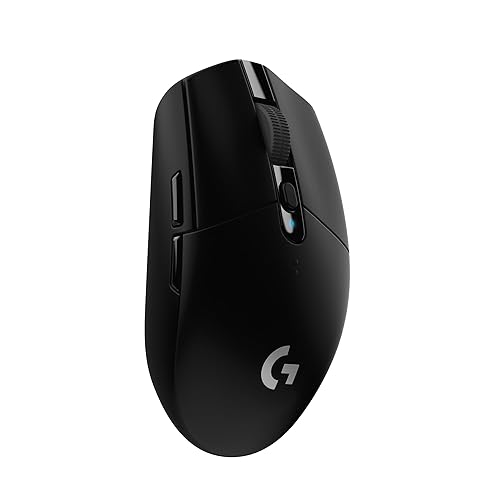
A setup for designing all day


Questions people ask
Can you sell Canva templates legally?
Yes. Templates that use Pro elements must be sold as Canva template links that buyers open in their own account. Templates made only with free elements and your own photos can be sold as template links or PDFs. You can’t resell Canva’s own templates unchanged.
How much can you make with Canva?
It depends on the products, your traffic and how much client work you take on. Design services usually pay soonest, while templates and printables build slowly. Start with one product or service and grow from there.
Do I need Canva Pro to make money?
No. Many sellers start on the free plan. Pro saves time with resizing, brand kits and background removal once you are working every week.
Can I sell designs made with Canva’s AI tools?
Canva’s AI Product Terms cover images made with its AI tools. Read them, add your own creative work, and on Etsy turn on the AI disclosure for any listing where AI helped.
More: digital products to sell, how to sell printables on Etsy and side hustle ideas for 2026.